






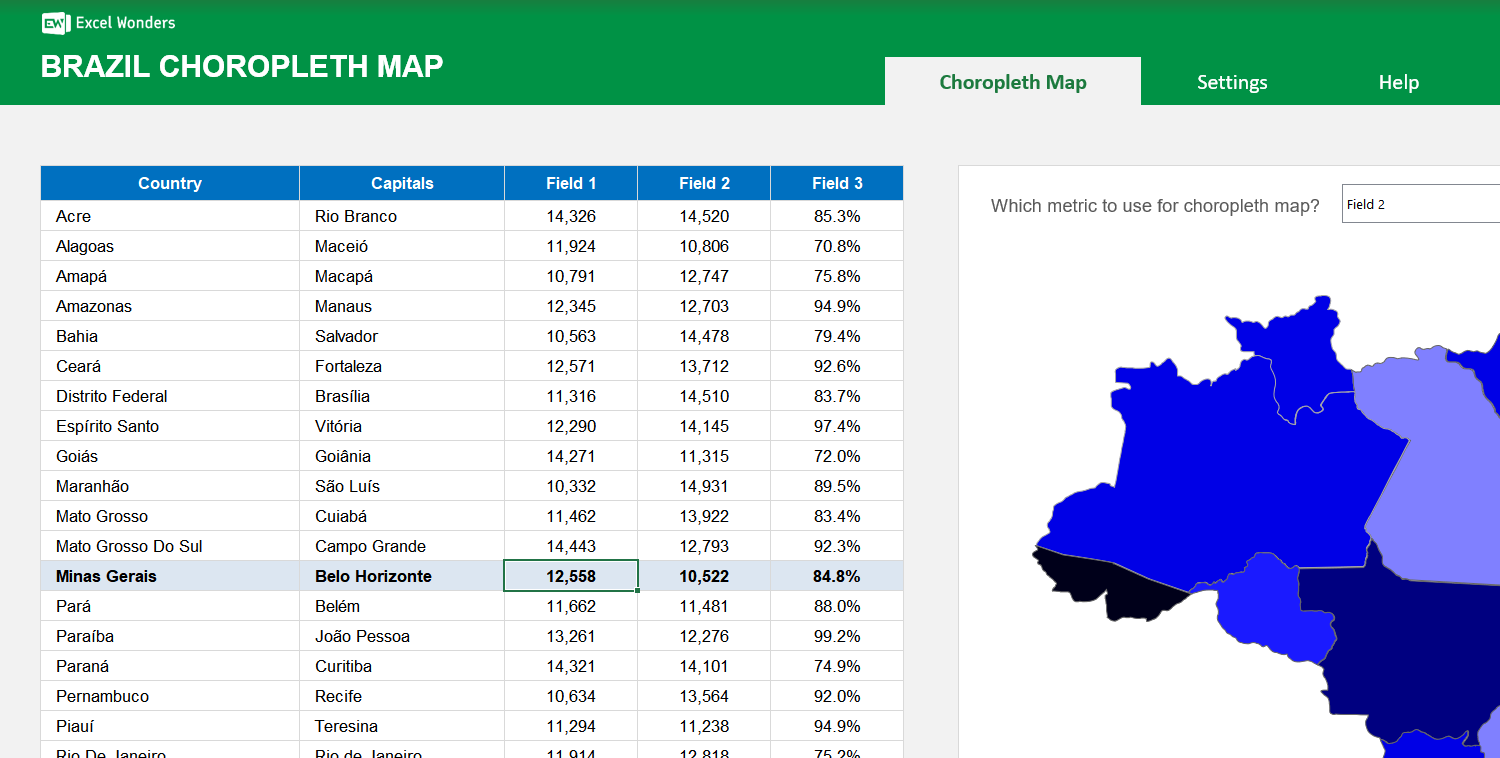
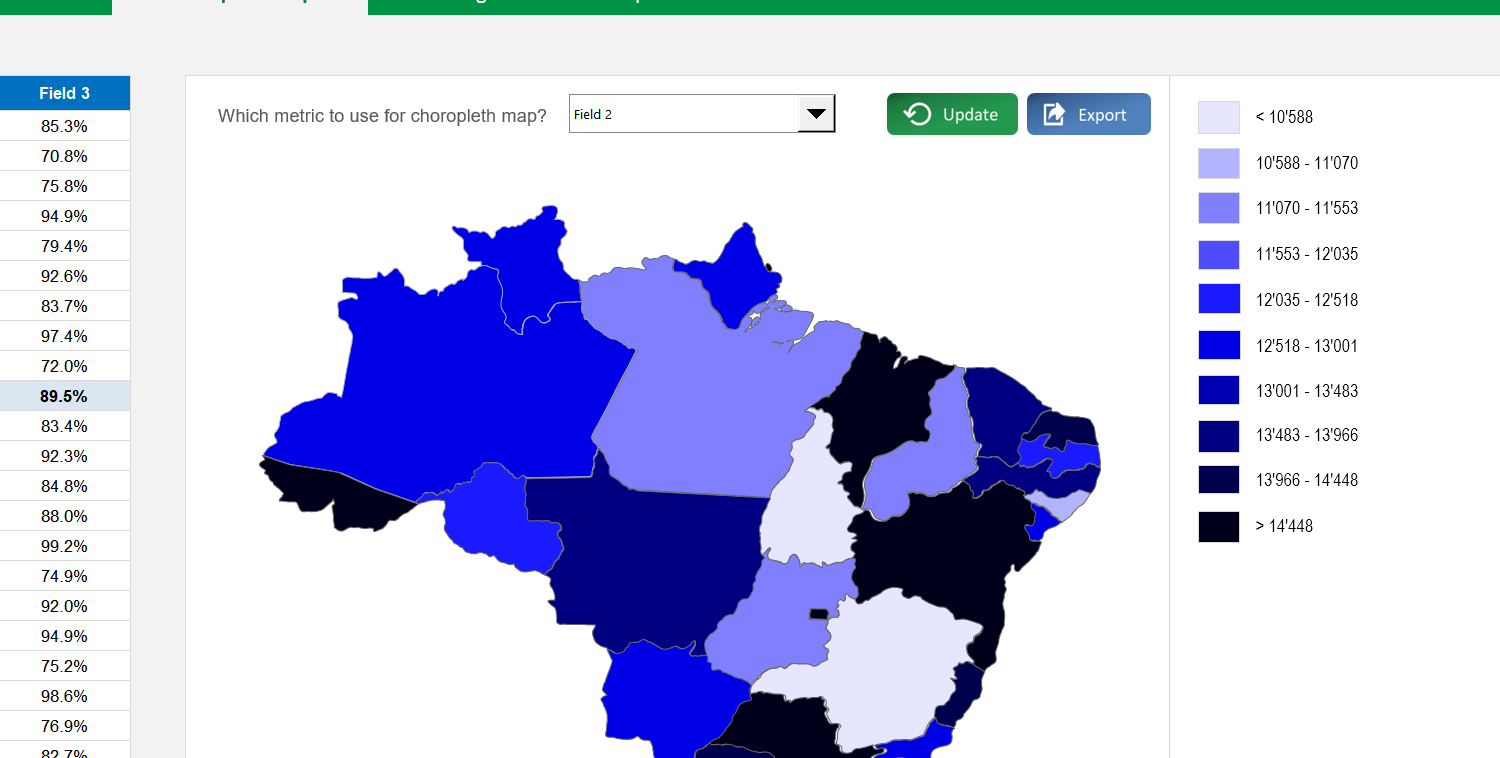
The Brazil Choropleth Map Excel Template allows you to create a map of Brazil, broken down by regions, with each region colored according to how they rank against a specific metric. It is a highly effective method, that can be used for any given metric that you want.
The Brazil Choropleth Map Excel Template allows you to create a map of Brazil, broken down by regions, with each region colored according to how they rank against a specific metric. It is a highly effective method, that can be used for any given metric that you want.

Visualizing regional variations in Brazilian data can be challenging, especially when raw numbers fail to convey the bigger picture. Our Brazil Choropleth Map Excel Template solves this by turning datasets into a clear, color-coded map of all Brazilian states.
With an intuitive interface, you can instantly create impactful visualizations for education, research, business reporting, or presentations. Color gradients make differences easy to spot, helping audiences grasp insights fast.
Built by experienced data visualization specialists, this template combines accuracy with customization—offering control over fields, ranges, and formats to match your exact needs.
Trusted by analysts, educators, and organizations worldwide, it comes with step-by-step guidance, ensuring that even first-time users can produce polished, professional maps.
Features:
Sorry! No Reviews Yet!
At the moment, we don't have any reviews for the Brazil Choropleth Map Excel Template.
This template creates a choropleth map of Brazil where each state is color-coded based on its value for a specific metric. You can use it to visualize any state-level dataset.
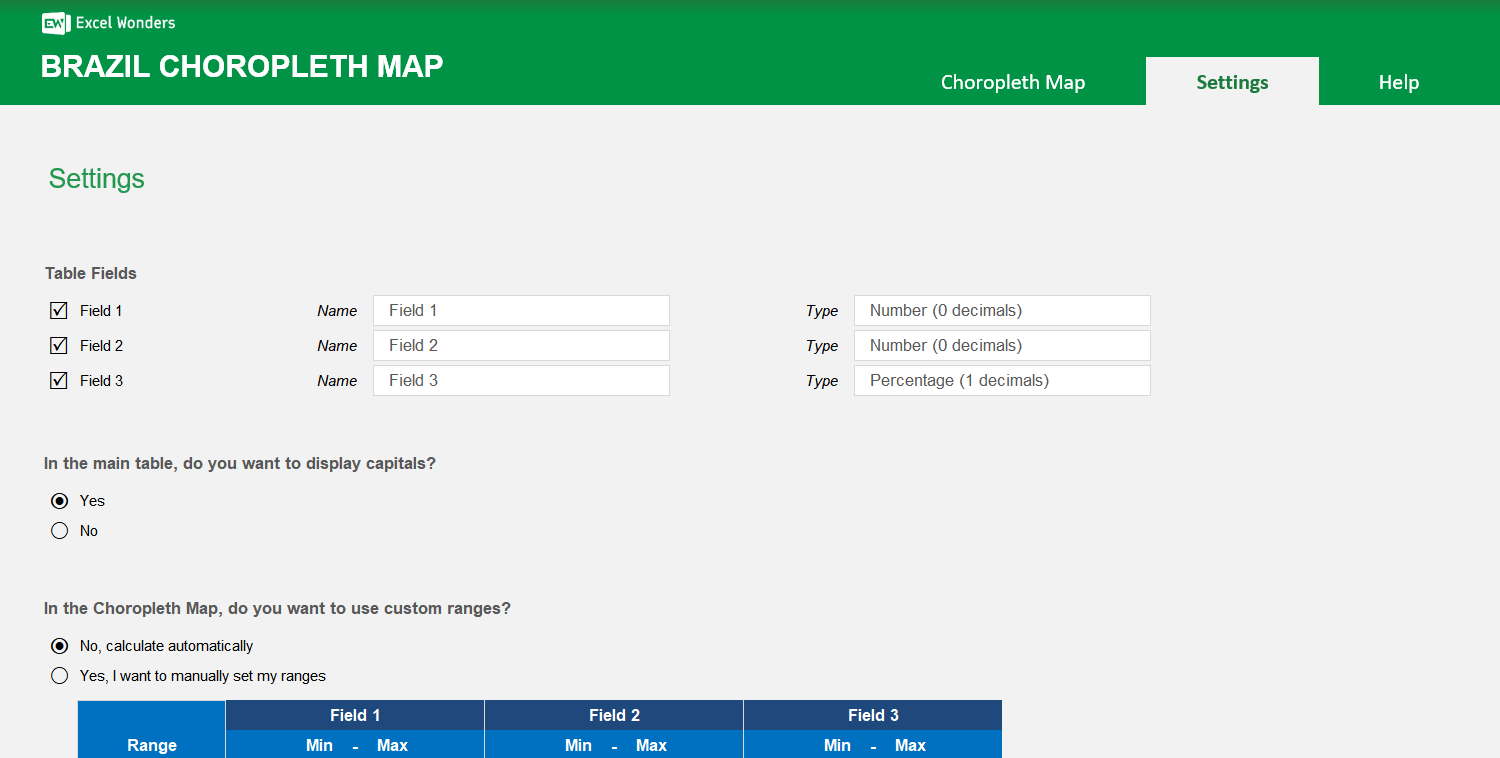
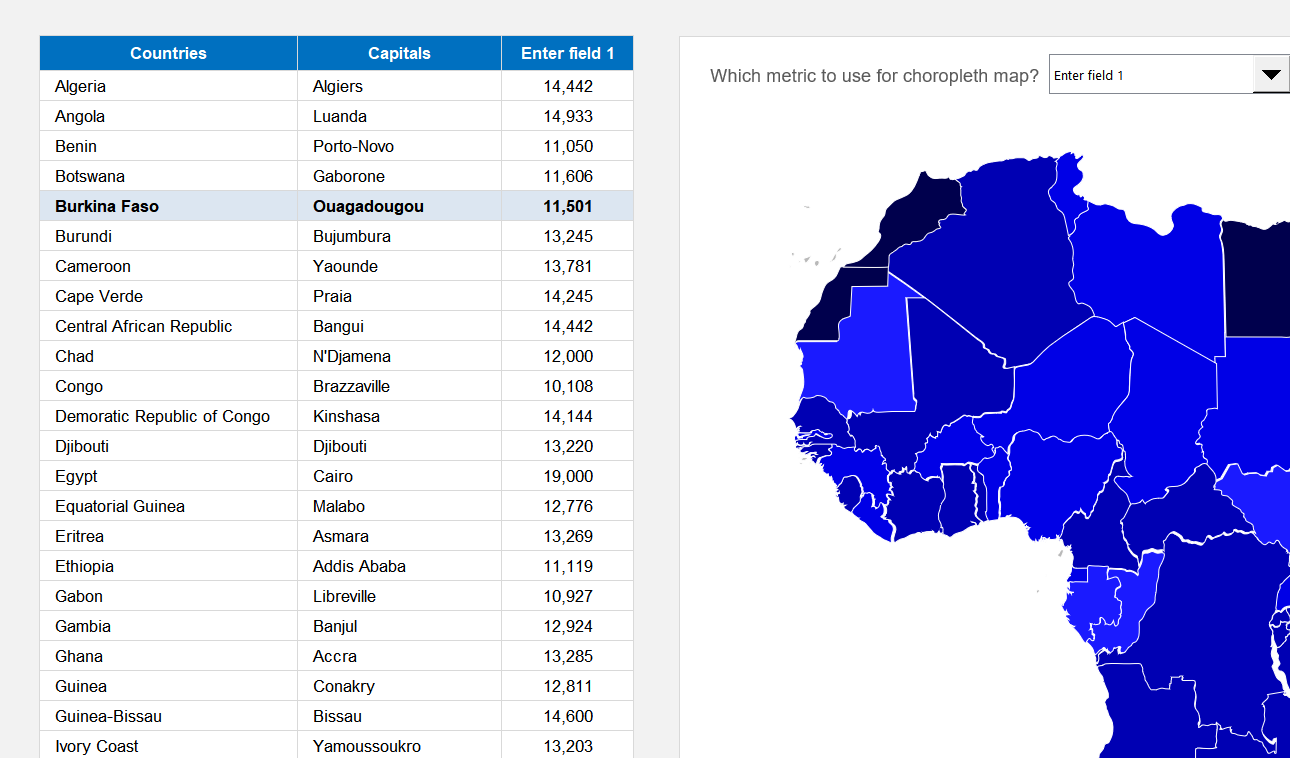
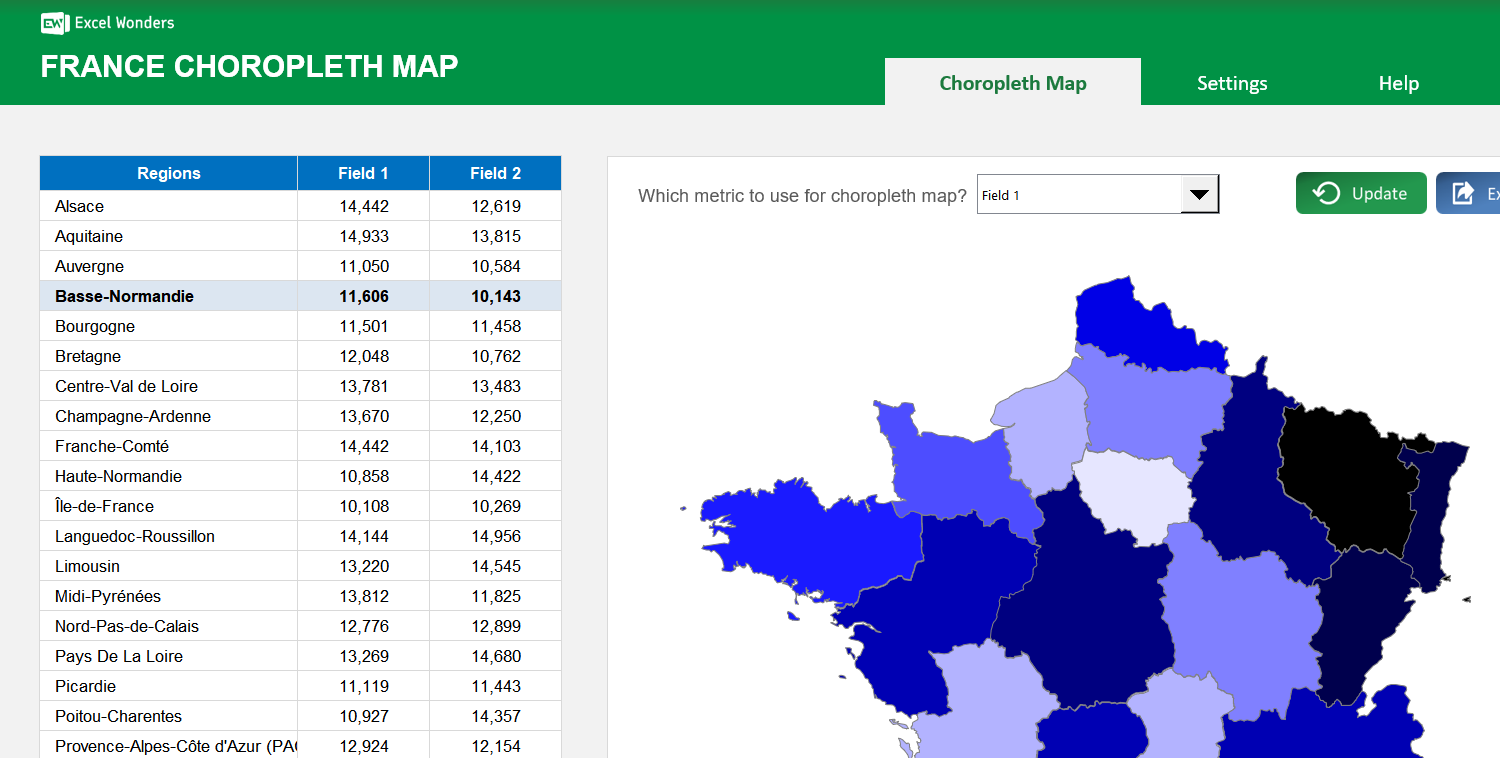
The data table supports up to three data fields per state. Enter your values directly into the table. To customize the field names or to show only one or two fields, go to the "Settings" sheet.
Yes. In the "Settings" sheet, you can set the number format for each data field. Options include absolute number (0 or 1 decimal place) and percentage (0 or 1 decimal place).
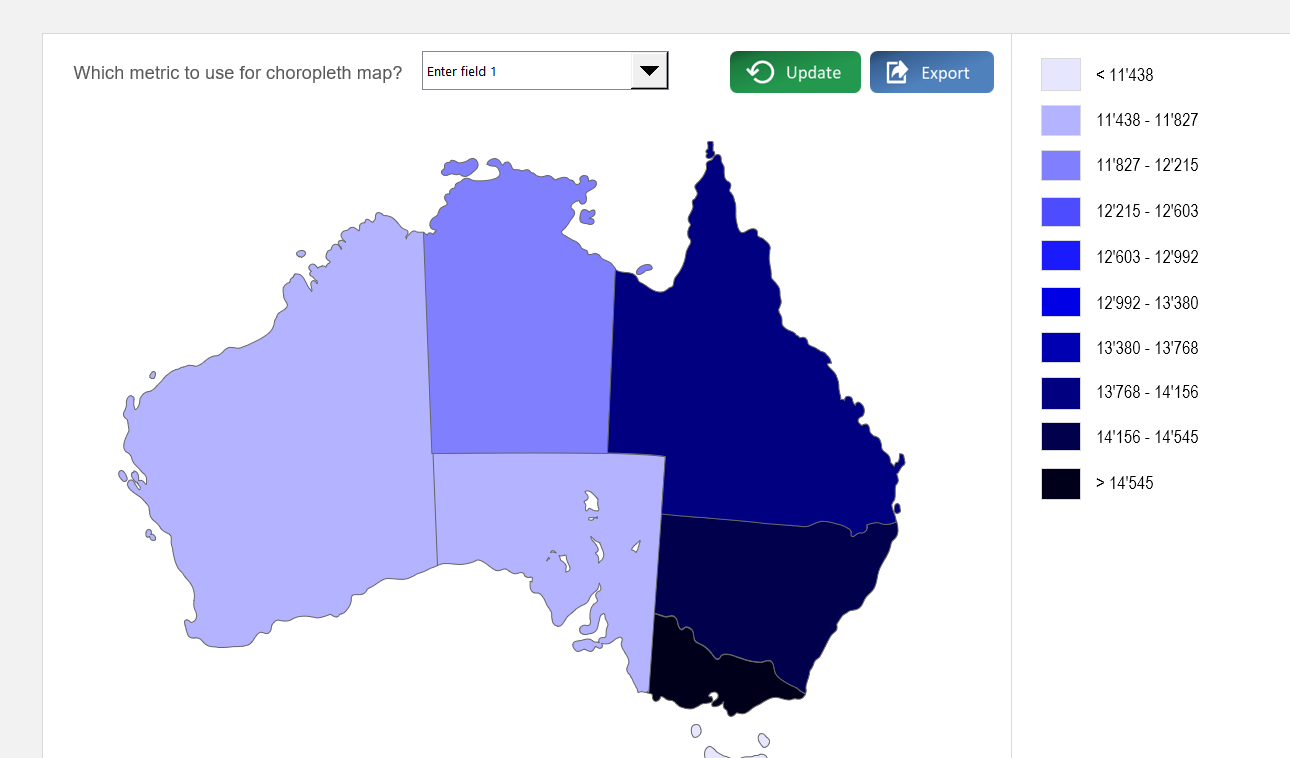
On the "Choropleth Map" sheet, use the dropdown menu located above the map to select which of the three data fields to visualize. The map's colors will update automatically.
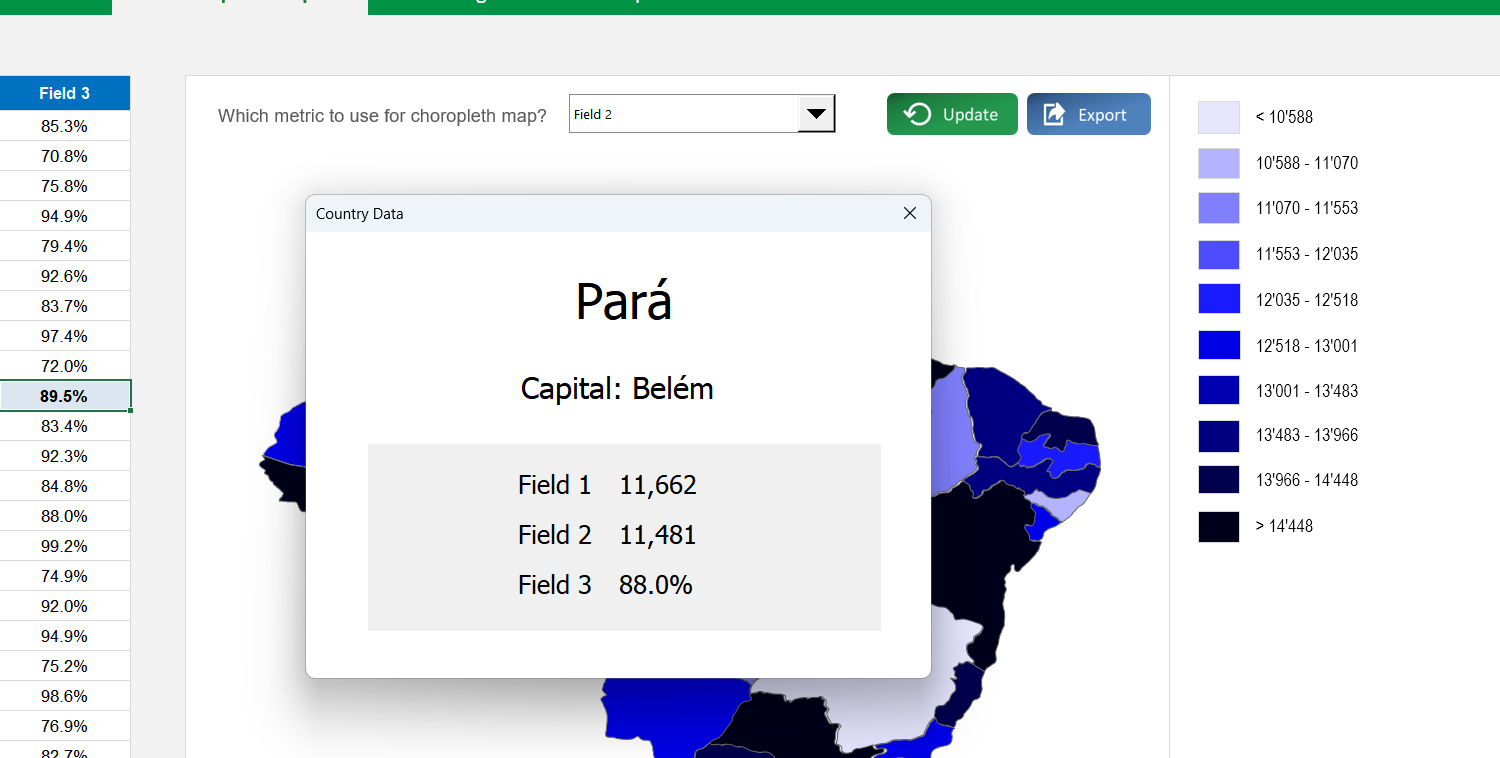
Click on any state directly on the map. A pop-up window will appear displaying that state's name, capital (if enabled), and data for all active fields.
Yes. Go to the "Settings" sheet and set the option for capital visibility to "No". This hides the capitals column in the data table and removes them from the state-specific pop-up.
In the "Settings" sheet, you can choose between two methods: Automatic Ranges, where the template divides your data into 10 even ranges, or Manual Ranges, where you define up to 10 custom data ranges.
Yes. Both the state color scheme and the map background color can be changed in the "Settings" sheet. Use the provided dropdown menu and color picker to make your selections.















 Share Options