






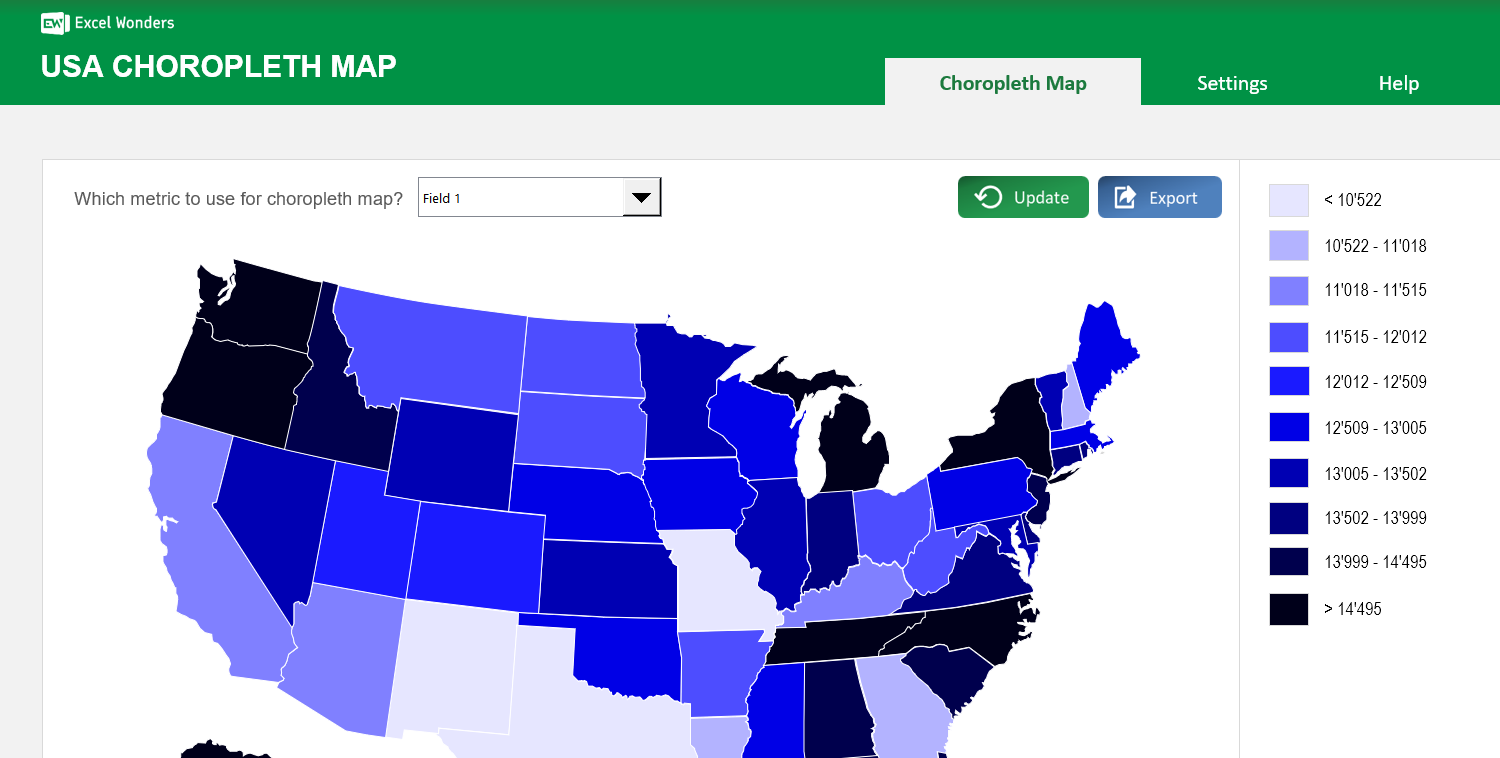
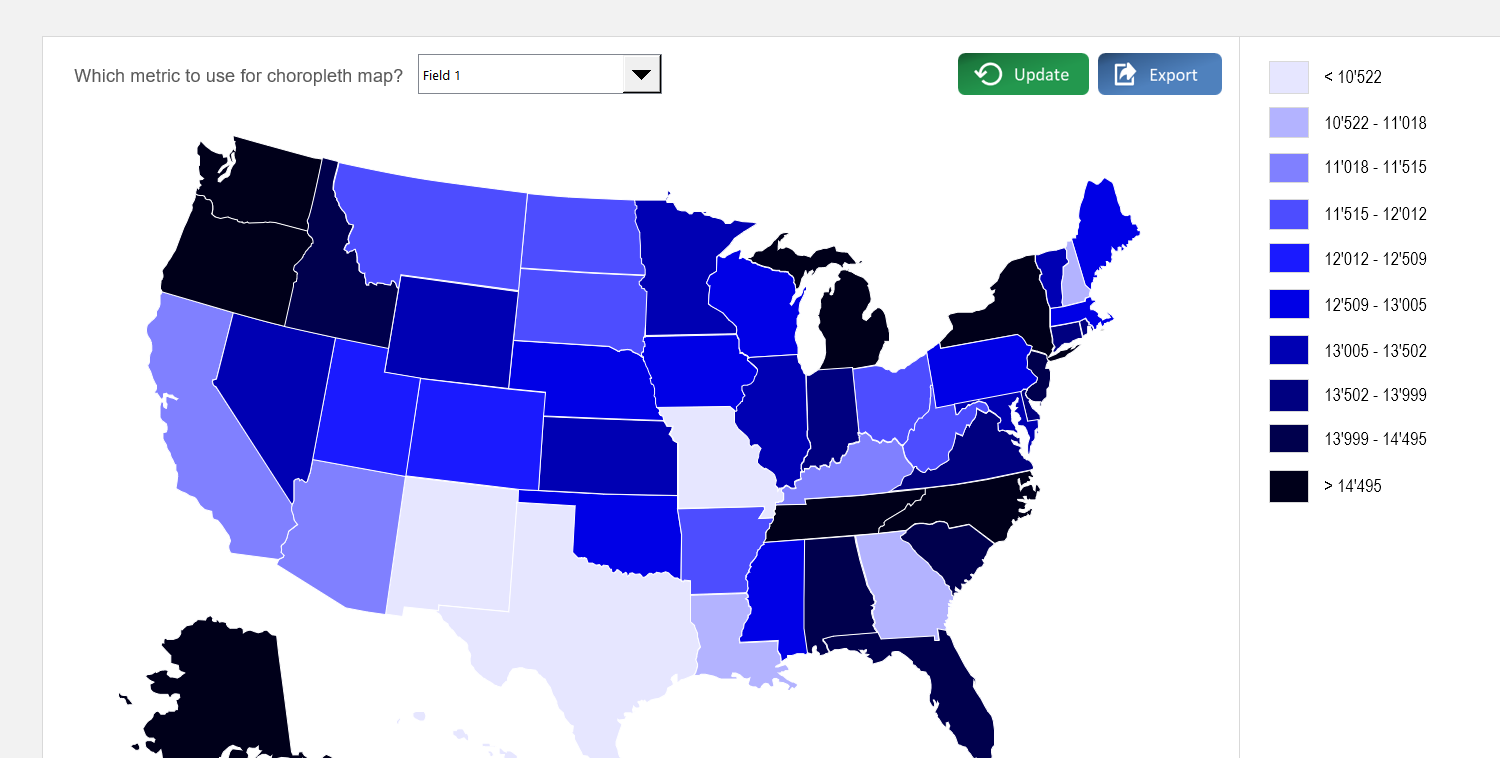
The USA Choropleth Map Excel Template allows you to create a map of the United States, broken down by states, with each state colored according to how they rank against a specific metric. It is a highly effective method, that can be used for any given metric that you want.
The USA Choropleth Map Excel Template allows you to create a map of the United States, broken down by states, with each state colored according to how they rank against a specific metric. It is a highly effective method, that can be used for any given metric that you want.

Struggling to keep projects on track? The Ultimate Excel Gantt Chart template is your all-in-one solution for clear visual timelines, precise task tracking, and effortless coordination directly inside Excel.
Plan smarter with a built-in project Overview, task hierarchy, and date dependencies, making every project phase easy to follow for managers and teams alike.
Crafted by Excel project planning experts, this template supports complex projects, multiple team members, and flexible views to match any workflow.
Trusted by professionals worldwide, it delivers accuracy, clarity, and customization—ensuring your projects stay on schedule and under control.
Features:
Sorry! No Reviews Yet!
At the moment, we don't have any reviews for the USA Choropleth Map Excel Template.
This template creates a choropleth map of the USA where each state is color-coded based on its value for a specific metric. You can use it to visualize any state-level dataset.
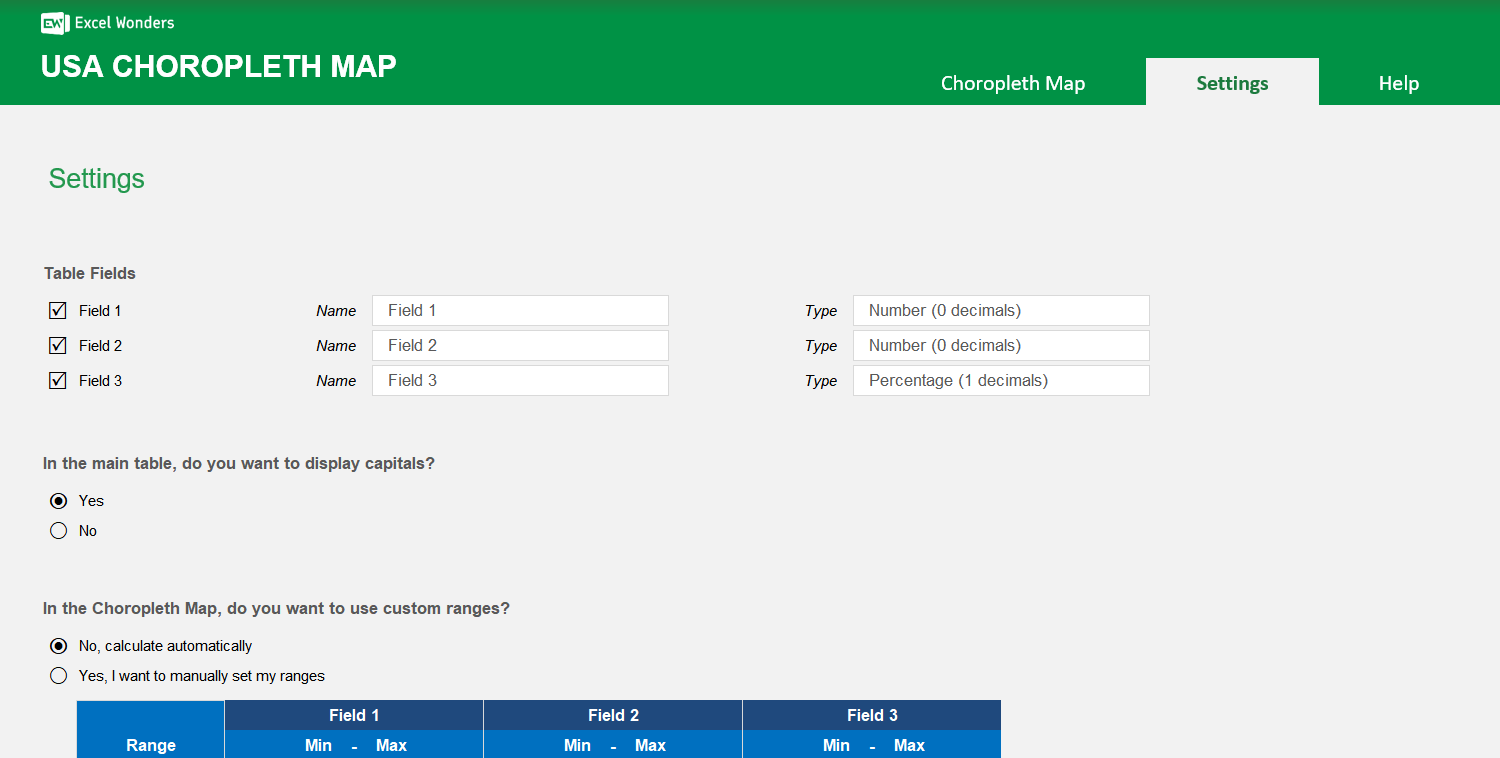
The data table supports up to three data fields per state. Enter your values directly into the table. To customize the field names or to show only one or two fields, go to the "Settings" sheet.
Yes. In the "Settings" sheet, you can set the number format for each data field. Options include absolute number (0 or 1 decimal place) and percentage (0 or 1 decimal place).
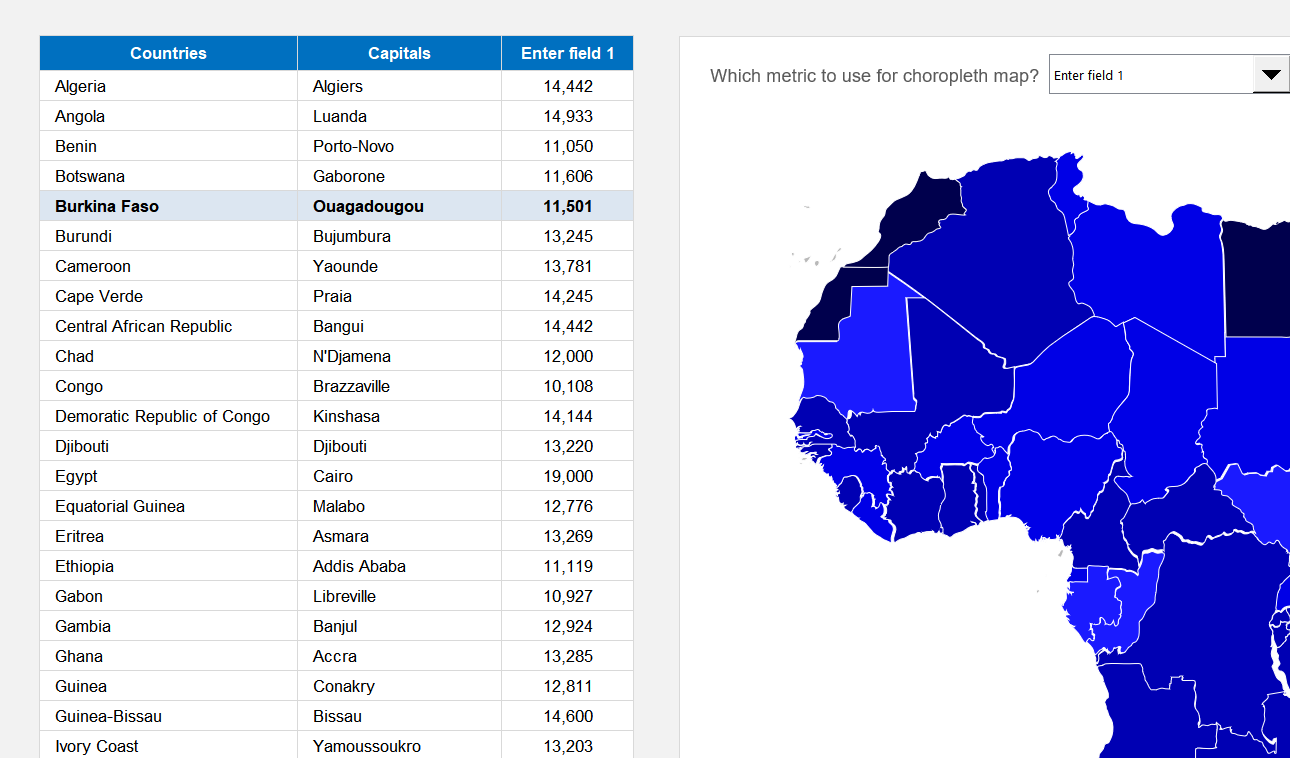
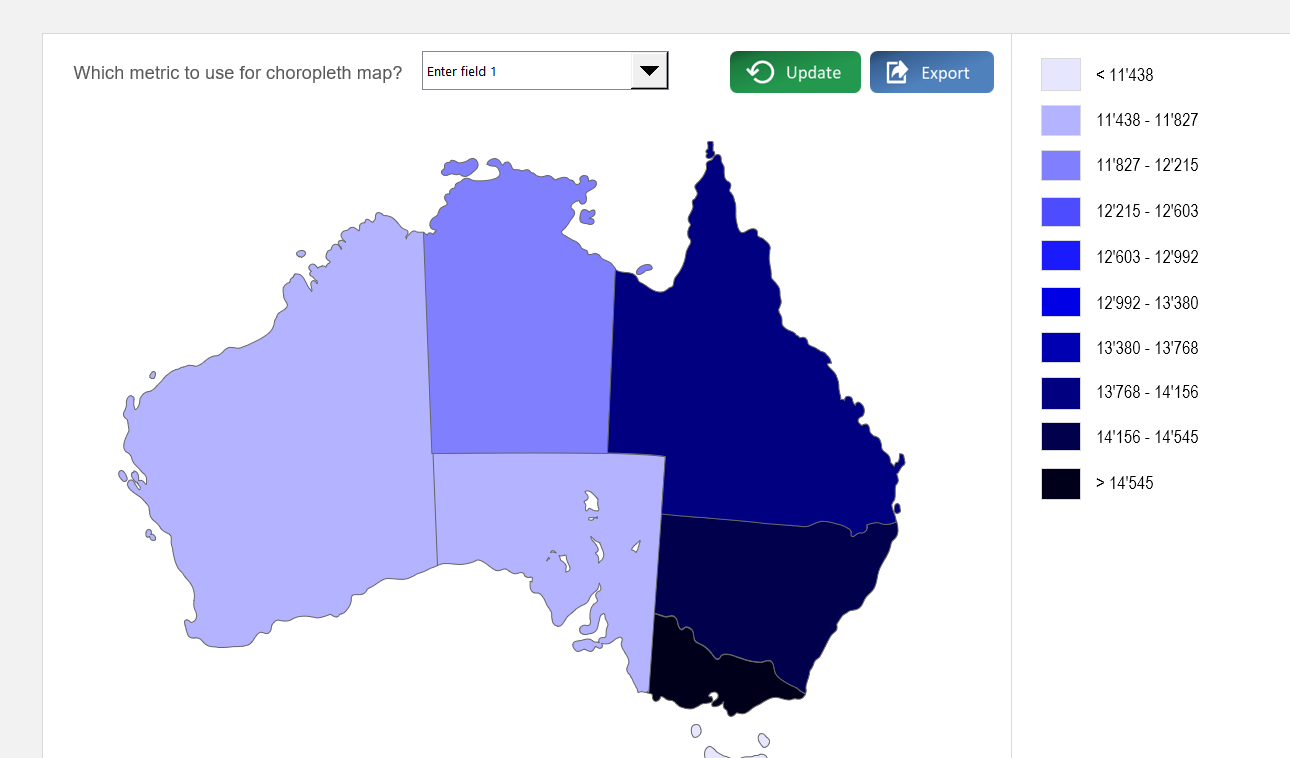
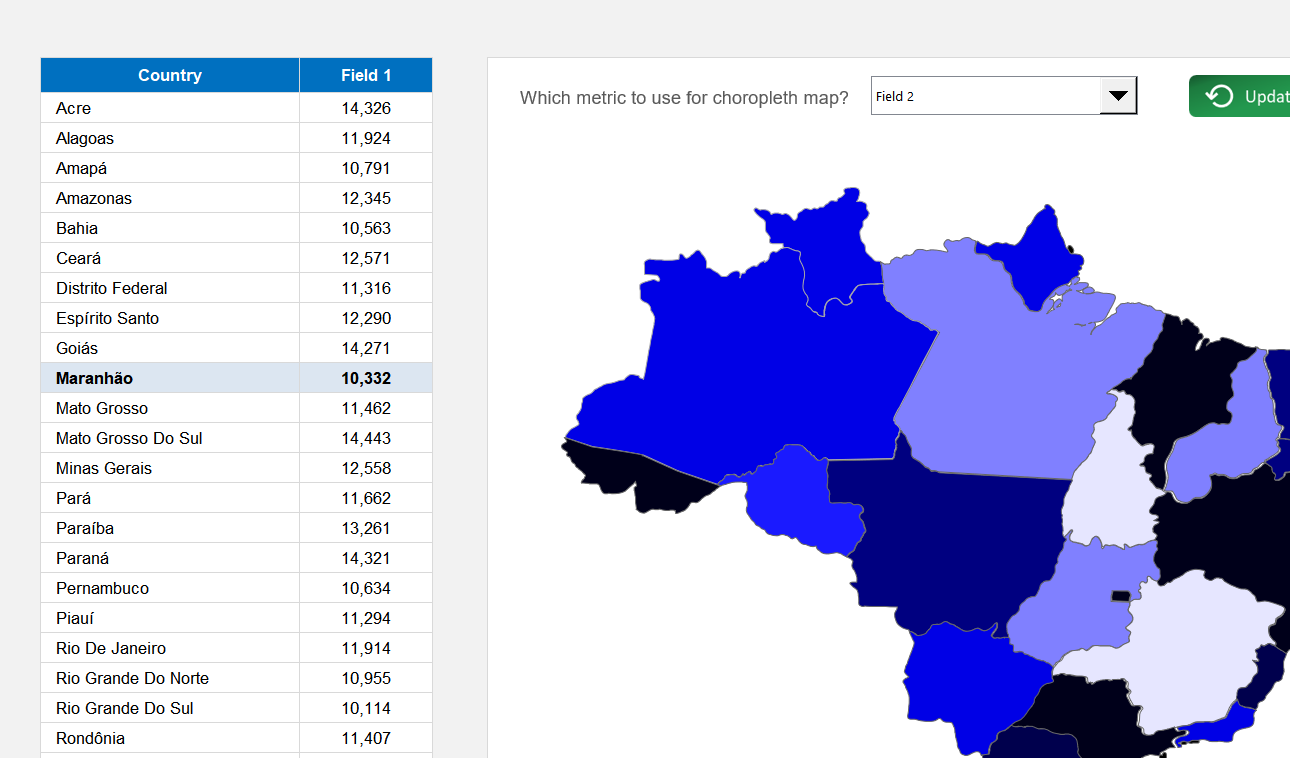
On the "Choropleth Map" sheet, use the dropdown menu located above the map to select which of the three data fields to visualize. The map's colors will update automatically.
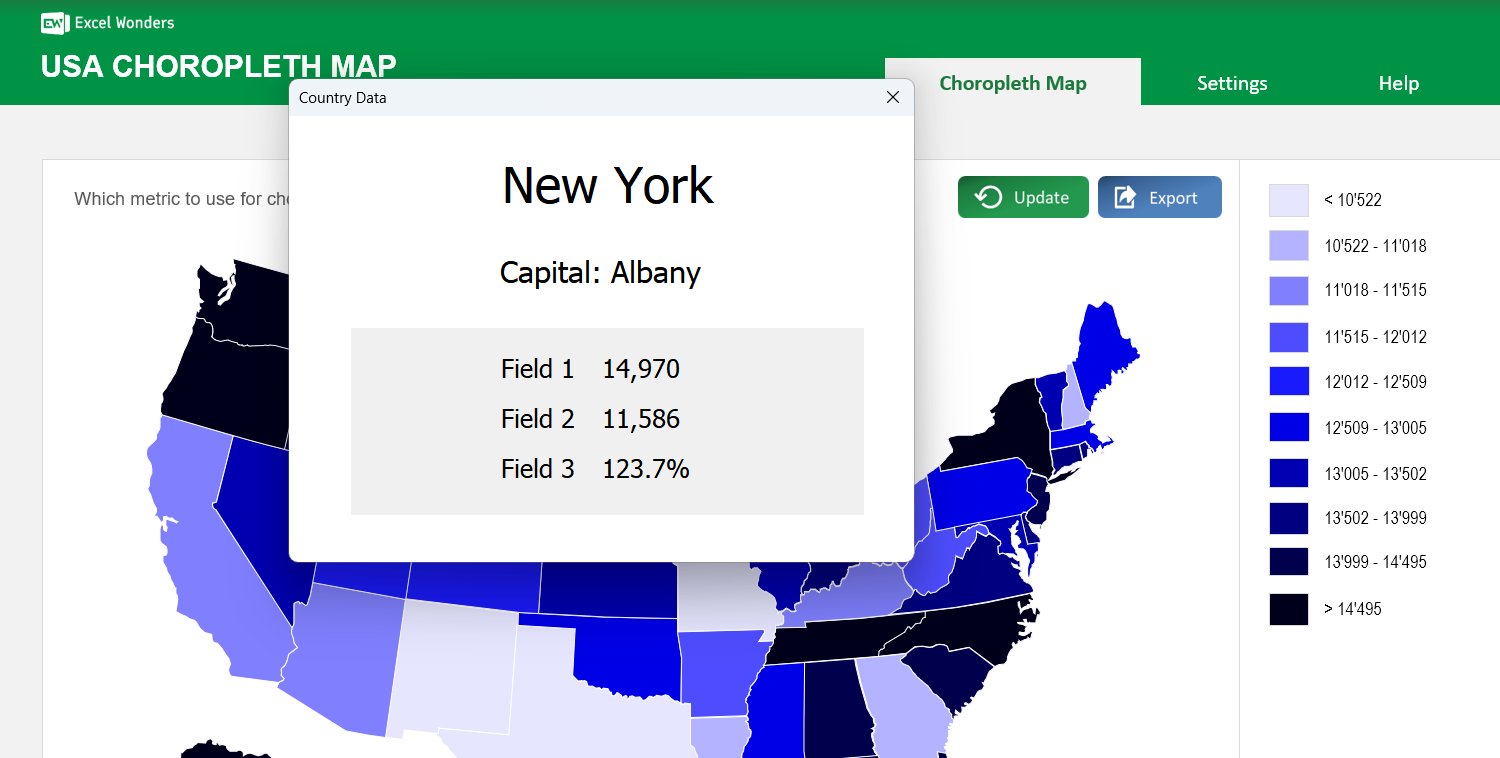
Click on any state directly on the map. A pop-up window will appear displaying that state's name, capital (if enabled), and data for all active fields.
Yes. Go to the "Settings" sheet and set the option for capital visibility to "No". This hides the capitals column in the data table and removes them from the state-specific pop-up.
In the "Settings" sheet, you can choose between two methods: Automatic Ranges, where the template divides your data into 10 even ranges, or Manual Ranges, where you define up to 10 custom data ranges.
Yes. Both the state color scheme and the map background color can be changed in the "Settings" sheet. Use the provided dropdown menu and color picker to make your selections.















 Share Options